Old photos carry a lot of memories. But when you open that box of family pictures and see scratches, tears, or faded colors, it’s natural to wonder which tool will actually fix them properly.
We tried out a number of options to save you the legwork. Below you’ll find our top four selections, along with what stood out about each.
What to Look for in a Photo Repair Tool
Not every tool is worth your time. Here’s what actually matters.
AI-Powered Restoration
Reconstructs missing details, removes scratches, and fixes fading. Results should look natural, not over-edited.
Ease of Use
Simple interface. Complex tasks like facial recovery and colorization should be automated.
Core Feature Set
Covers the essentials: scratch and tear repair, colorization, HD enhancement, and lighting fixes.
Output Quality
Offers high-resolution downloads without any watermarks, ensuring the images are ready for both online use and printing.
Privacy and Security
Clear privacy policy. Your photos are not used without your consent.
Platform Availability
Browser-based or mobile app. Pick what fits your workflow.
4 Tools That Fix Damaged or Torn Photos
Old photos carry memories you want to keep. But tears, fading, and wear can get in the way.
AI-powered tools have changed that. Restoration is faster and more accessible now.
Below are the four best options. Whether you want a simple mobile app or professional-grade software, there’s something here for you.
Renew Photo
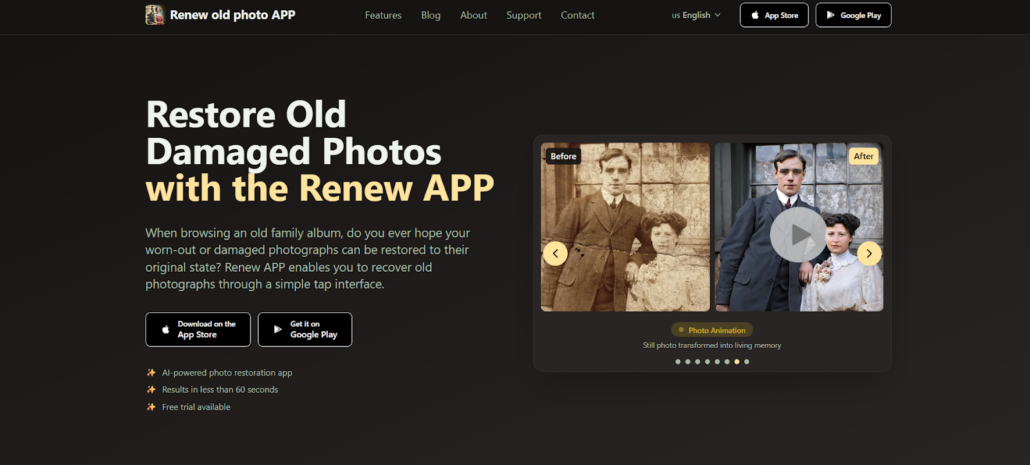
Renew Photo is an AI-powered tool available on mobile and web that fixes old, damaged, or faded photos with minimal effort.
It’s built for regular users who want good results without any technical skills. The AI has been trained on thousands of real old photos, so it can find damaged spots, rebuild missing parts, and restore faded colors — usually in under 60 seconds.
The app also includes scratch removal, colorization, HD sharpening, and even photo animation. All together, it’s a practical tool for preserving family pictures.
- Type: AI photo restoration mobile app
- Main use: Fixing torn, faded, and damaged photos; colorizing black-and-white images; enhancing photo quality
- Speed: Under 60 seconds
- Platform: Mobile and web (iOS, Android)
RetroFix
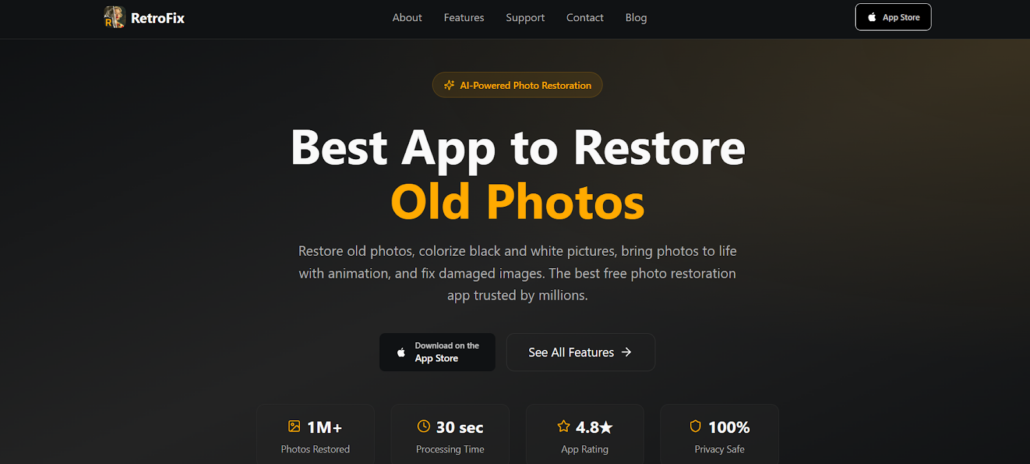
RetroFix is one of those apps that tries to do a lot—and actually pulls it off. It’s a photo restoration tool, but it packs several AI-powered features into one place.
What makes it appealing? For starters, it’s free. But it doesn’t feel like a stripped-down version. You can restore damaged photos, colorize black-and-white images, sharpen blurry pictures, and even animate still shots.
The design keeps things simple. Three steps: upload, restore, download. No complicated menus, no technical skills required.
More than a million users have downloaded it so far. Casual users appreciate how easy it is to use. People preserving large family collections find that it handles the workload well, too.
- Type: Multi-feature AI photo restoration app
- Main use: Restoring damaged photos, colorizing black-and-white images, animating old photos, and sharpening blurry pictures
- Speed: Approximately 30 seconds
- Platform: Mobile (iOS, Android) and web– free with premium features
Topaz Labs
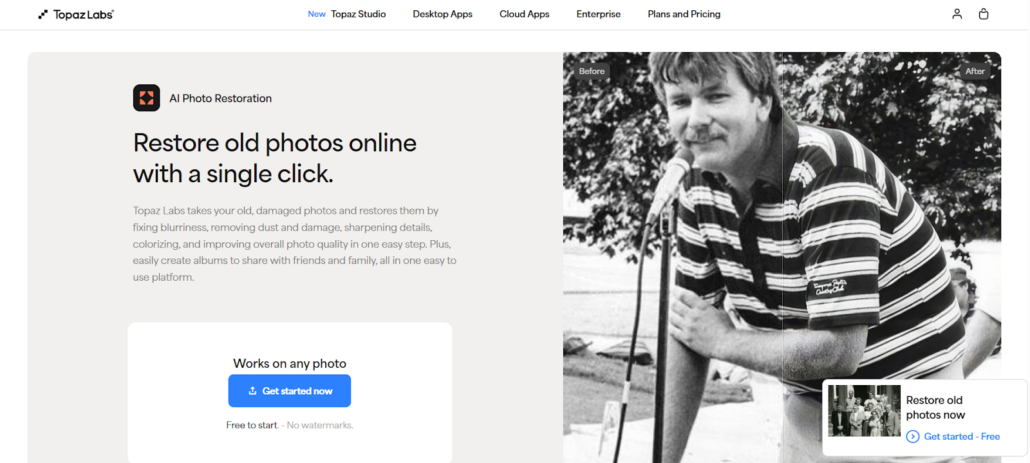
Topaz Labs is a desktop-focused platform with more than two decades of experience in photo restoration and enhancement.
It stands apart from mobile-first tools by offering professional-level software and some browser options. Users get detailed control over important tasks like image upscaling, facial recovery, and removing dust and scratches.
The software handles large batches of photos well and is often chosen when people need archival-quality results.
In addition, Topaz Labs includes several complementary programs such as Topaz Photo AI, Gigapixel AI, and Video AI. This makes it a strong all-around choice for anyone serious about photo and video improvement.
- Type: Professional desktop and browser-based AI photo restoration software
- Main use: Enlarging low-resolution images, recovering facial details, removing dust and scratches, enhancing overall photo quality
- Speed: Variable depending on image size and settings; optimized for batch processing
- Platform: Web browser, desktop software (Windows, Mac); iOS app available for scanning
Adobe Firefly
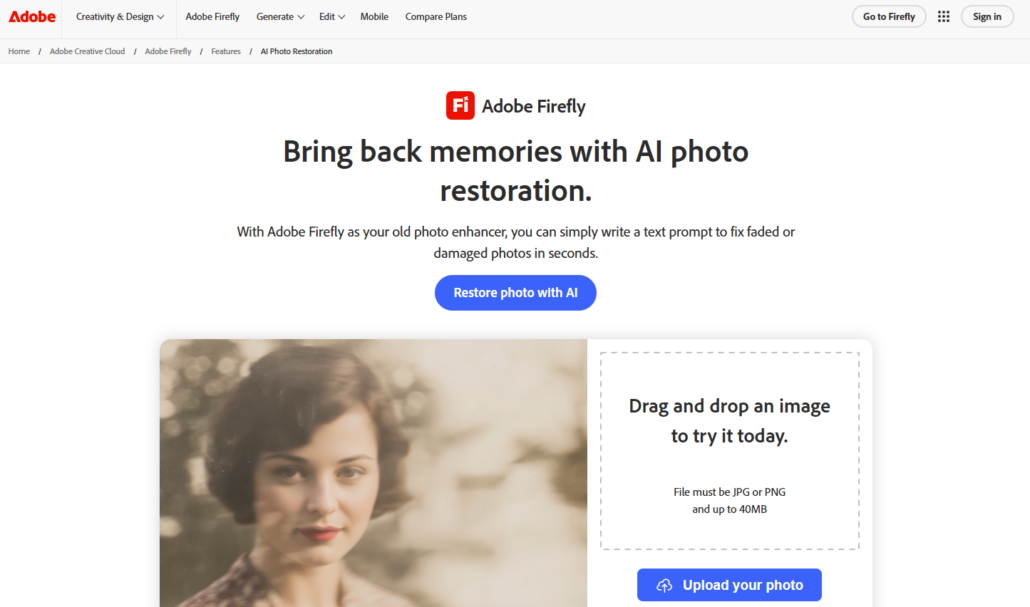
Adobe Firefly is Adobe’s generative AI platform. Among its many features, it lets you restore photos simply by typing what you want changed.
You don’t have to settle for standard automated fixes. Instead, you can write clear instructions like “remove the scratches” or “restore the color in this old picture.” It gives you better control while protecting the important details — faces, textures, and lighting all stay true to the original.
Firefly integrates straight into Photoshop, so you can easily make further adjustments after the AI finishes.
Built on Adobe’s commercially safe models, it works well for both personal projects and professional jobs, including marketing and advertising materials.
- Type: Generative AI photo restoration tool with text-prompt controls
- Main use: Fixing faded or damaged photos, colorizing black-and-white images, and sharpening low-quality images for professional use
- Speed: A few seconds per image generation
- Platform: Web browser; integrates with Adobe Photoshop
How We Selected These Tools
We tested dozens of apps and software solutions and focused on five key criteria.
- Restoration Accuracy: We used photos with tears, dust, scratches, severe fading, and low resolution. The goal was to see if the AI could reconstruct missing details without creating unnatural artifacts.
- Ease of Use: We looked at how intuitive each tool felt for a beginner. Tools that required complex manual adjustments ranked lower. Those who delivered great results with a single click or simple text prompt scored higher.
- Feature Breadth: Basic repair is a must, but we also valued extra features like colorization, face enhancement, and animation.
- Value & Accessibility: We compared pricing models—free trials, subscriptions, one-time purchases—against the features offered. Platform availability mattered too.
- Trust & Safety: We prioritized tools from reputable companies with transparent privacy policies.
Conclusion
The right photo restoration tool depends on what you need, how tech-savvy you feel, and how much you want to spend.
Mobile apps are ideal for quick fixes on the go — especially if you only have a few family photos to restore. Desktop software gives you more control and usually better quality, which is helpful for larger collections or professional results.
Browser-based options strike a good balance. They’re powerful and need no installation.
Before buying, try the free trial first. That lets you check whether it handles your type of damage well.
All five tools we discussed work effectively. Each one offers a dependable way to bring damaged photos back to life.